Infrastructure Architecture Blueprint
A look at how mobile environments stream without code compiles or app tracking vulnerabilities.
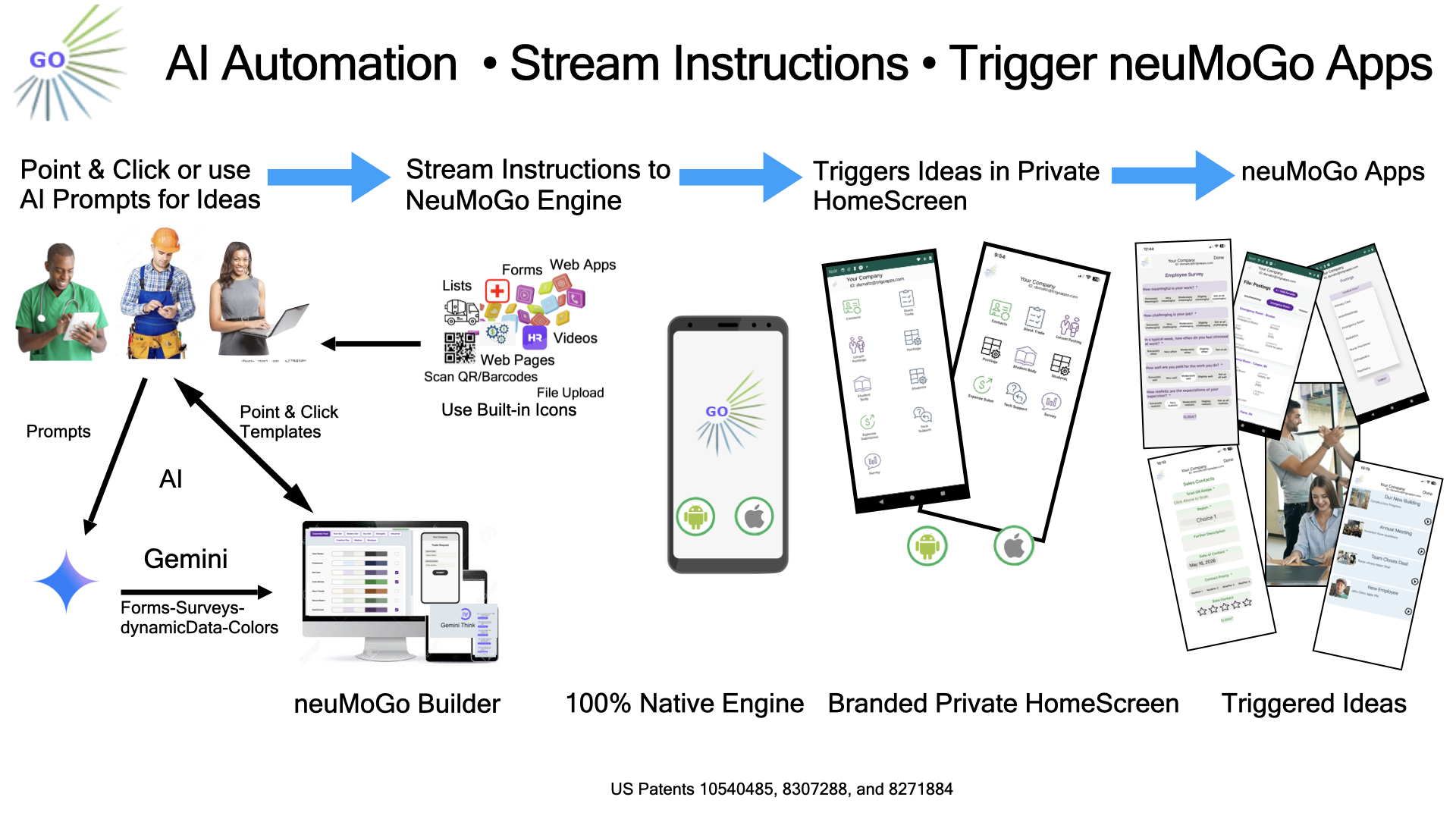
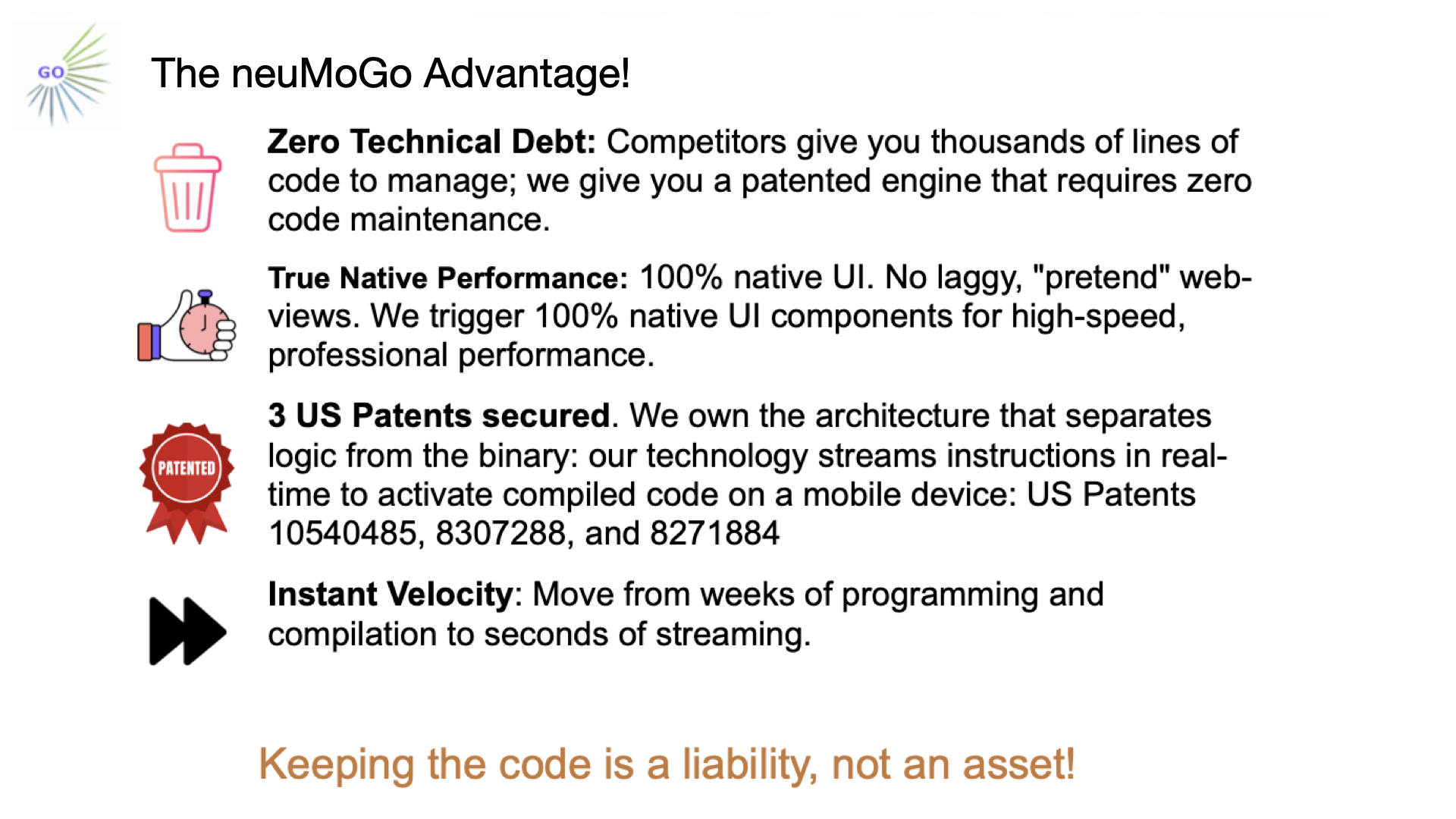
Eliminate high development overhead and app store delays. neuMoGo enables enterprise systems to instantly design, stream, and deploy production workflows directly onto active device runtimes.
Protected by US Patents • 10540485 • 8307288 • 8271884
Watch how easily you can stream mobile ideas to iPhone and Android!
neuMoGo bundles a comprehensive ecosystem of enterprise utilities into a single real-time mobile stream.
One master runtime configurations stream powers Android and iPhone simultaneously, completely eliminating custom development backlogs.
Deploy rich UI configurations natively, including Forms, structured interactive Lists, detailed user Surveys, WebApps, Workflows, and embedded streaming Videos.
Execute deep device functions inside a secure container sandbox, supporting Document Capture, native QR/Barcode scans, and corporate eSignatures.
Build operational layouts in seconds. Utilize active AI Assist infrastructure to intelligently draft fully responsive forms and surveys instantly.
Completely adapt the mobile runtime using your own official corporate logo and select from 72 unique AI-generated color styling environments.
Configure custom operations workflows and spin up a comprehensive mobile viewer interface across your entire workforce in minutes.
Deploy mission-critical interfaces down to secure enterprise workforces instantly without re-compilation bottlenecks.
Enter your designated enterprise email address and unique security key on the mobile client setup configuration console to instantly spin up your workspace partition container securely.
Use neuMoGoTools to create native UI layouts from secure templates or generate workflows using Gemini AI Assist. Customize colors, manage user permissions, and instantly preview your live changes directly inside the neuMoGo mobile app.
Employees download neuMoGo and securely log in using their company credentials emailed to them. Your custom content renders instantly in a secure, private home screen. Revoke access at any time or provision external users using neuMoGo Tools.
We offer robust On-Premises or Private Cloud neuMoGo installations utilizing dedicated corporate enterprise network distribution models.
Contact Enterprise Architecture TeamA look at how mobile environments stream without code compiles or app tracking vulnerabilities.